WritersLock vs Freedom: Which One Should You Use?

Freedom and WritersLock both help you spend less time on distracting apps, but they solve the problem from opposite ends. Freedom builds a wall around the distraction. WritersLock puts a small task in front of it. Here is how they compare, and how to tell which one suits you.
The short version
Freedom is a cross-device blocker. It shuts off websites and apps on your phone, tablet, and computer at the same time, on a schedule you set. If your problem is deep work at a desk, it is one of the most complete tools available.
WritersLock is a mobile journaling app that locks your distracting apps until you have written today's entry. Instead of just blocking the feed, it trades scrolling for a writing habit. If your problem is the morning reach for the phone and a journaling habit you cannot keep, that is the gap it fills.
Side by side
| Feature | WritersLock | Freedom |
|---|---|---|
| Core idea | Write to unlock your apps | Block apps and sites on a schedule |
| Platforms | iPhone, Android | Mac, Windows, iOS, Android, Chrome |
| Blocks desktop apps and websites | No | Yes |
| Builds a specific habit | Yes, journaling | No, blocking only |
| How you get past the block | Finish a journal entry | Wait out the session or end it |
| Locked mode | Locks until you write | Locked Mode stops early quitting |
| Free option | 3-day trial, then subscription | Free tier, plus paid Premium |
| Price (2026) | $5.99/month or $29.99/year; 3-day trial | Premium about $39.99/year; lifetime option |
Scroll the table sideways to see both columns →
 WritersLock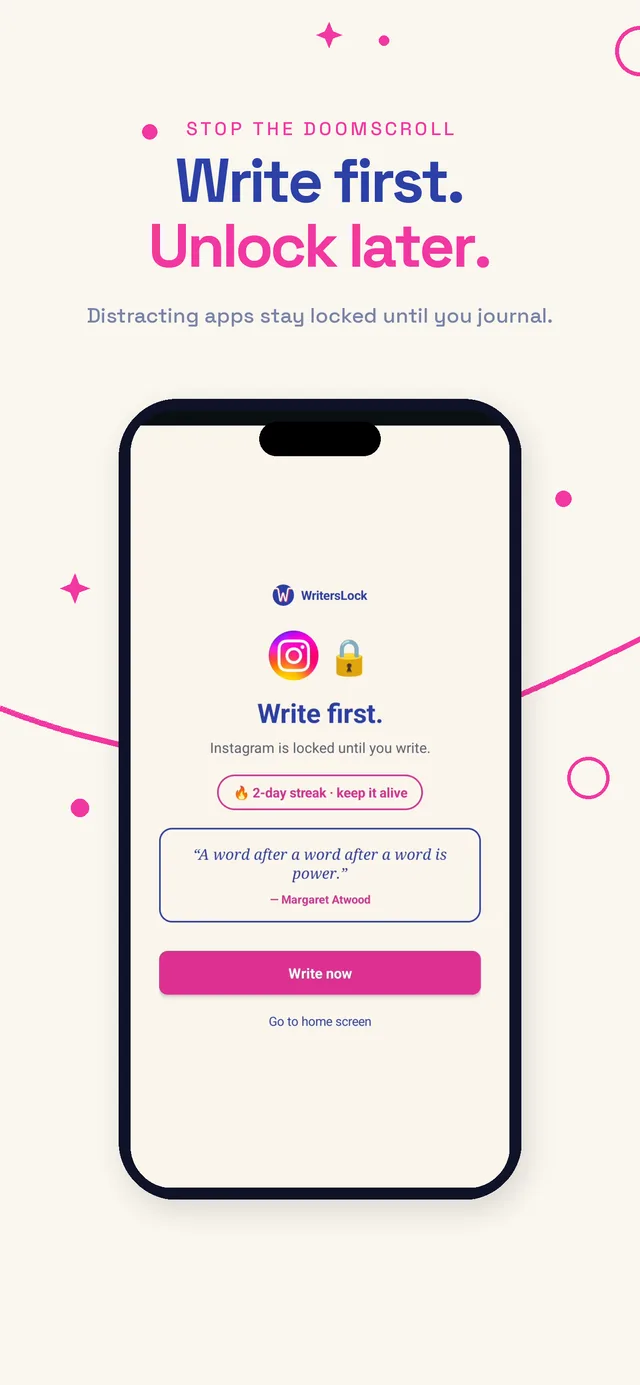
 Freedom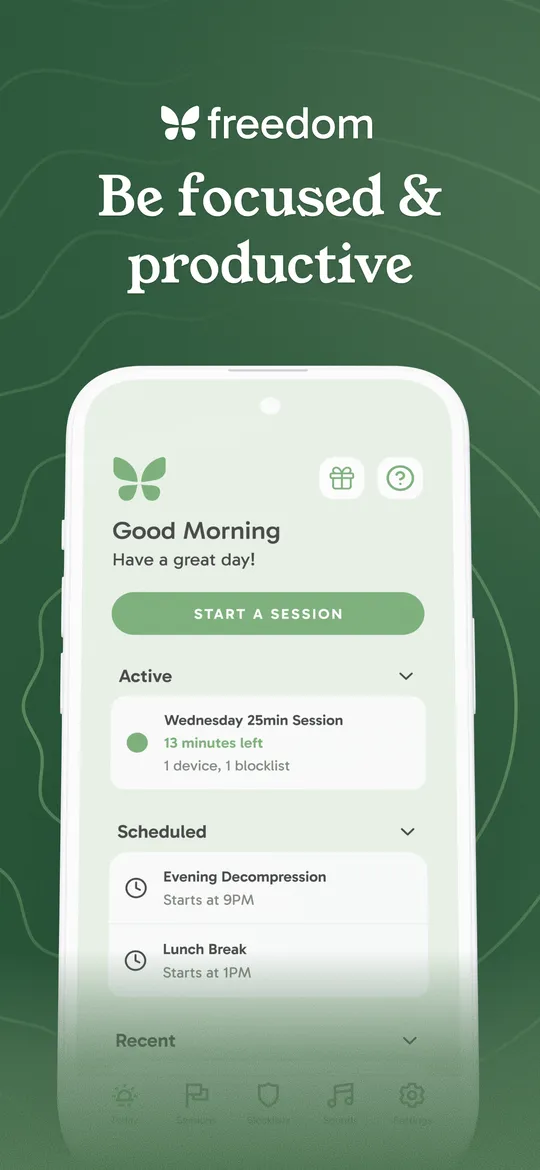
What Freedom does well
Freedom's biggest strength is reach. One session applies everywhere at once, so switching from your laptop to your phone does not open a side door back to the distraction. It runs on Mac, Windows, iOS, Android, and Chrome with no device limit, and it can block full websites and desktop apps, which most phone-only tools cannot. Recurring sessions, a locked mode that stops you quitting early, and custom blocklists make it a serious pick for focused work at a computer.
If you write at a desk, edit in a browser, or need to kill distractions across a whole setup, Freedom is built for that.
Where WritersLock is different
WritersLock is not trying to be a better wall. It changes what happens in the moment you reach for the phone.
With a pure blocker, a blocked app is a dead end. You wait, or you turn the block off. Nothing takes the place of the habit you were avoiding. WritersLock puts your journal in that spot instead. At the times you choose, your distracting apps lock, and the way through is to write today's entry: a free journal, a gratitude note, a dream log, or a guided prompt. Once the words are down, the apps open for the rest of the day.
Two things follow from that design. First, you end up building a real habit, not just avoiding a bad one. Second, it targets the exact moment most people lose, the first hour of the day, when the feed usually beats good intentions. Our guide on how to stop scrolling explains why that moment is so hard and why swapping in a small action works better than waiting out a timer.
WritersLock only locks the apps you pick, so the rest of your phone keeps working, and it runs on both iPhone (using Apple Screen Time) and Android (using usage access). Your entries never leave your device.
Which should you pick
Choose Freedom if you need to block distractions across a computer and a phone at once, you want to shut off whole websites or desktop software, or your main struggle is staying focused during long work sessions at a desk.
Choose WritersLock if your problem is the phone specifically, you keep meaning to journal and cannot make it stick, and you would rather replace scrolling with a writing habit than just wait out a block.
They are not mutually exclusive. Some people run Freedom for desktop work sessions and WritersLock for the morning writing habit. But if you only want one and the goal is to write more and scroll less, WritersLock is the closer fit.
Still comparing options? See WritersLock vs Opal, WritersLock vs Day One, or our roundup of the best apps to stop doomscrolling.
Trade scrolling for a writing habit that sticks
WritersLock locks your distracting apps behind a daily writing entry, so the calmer input wins your mornings instead of the feed. Pick the apps to lock, set your times, and write your way back in.
See how WritersLock worksWrite first, scroll later
Make your apps earn their keep.
WritersLock locks your distracting apps behind a daily writing habit, so you start the day with words on the page, not the feed.
Start your first entry